Private notebook
A privacy-first, OneNote-style space organised as notebooks, sections, pages and mixed-content blocks — sitting alongside your business and loyalty cards.
A private, offline home for your notebook, business cards and loyalty cards — captured, encrypted and searched entirely on your device, with keys only you control.
CardVault is at foundation stage. The architecture, security design and documentation are complete; some flows are being progressively finished.
Everything that matters — OCR, barcode decoding, image processing and encryption — happens on your device. No analytics, no advertising SDKs, no cloud OCR, no telemetry. The only network activity is an optional, explicitly user-initiated encrypted backup.
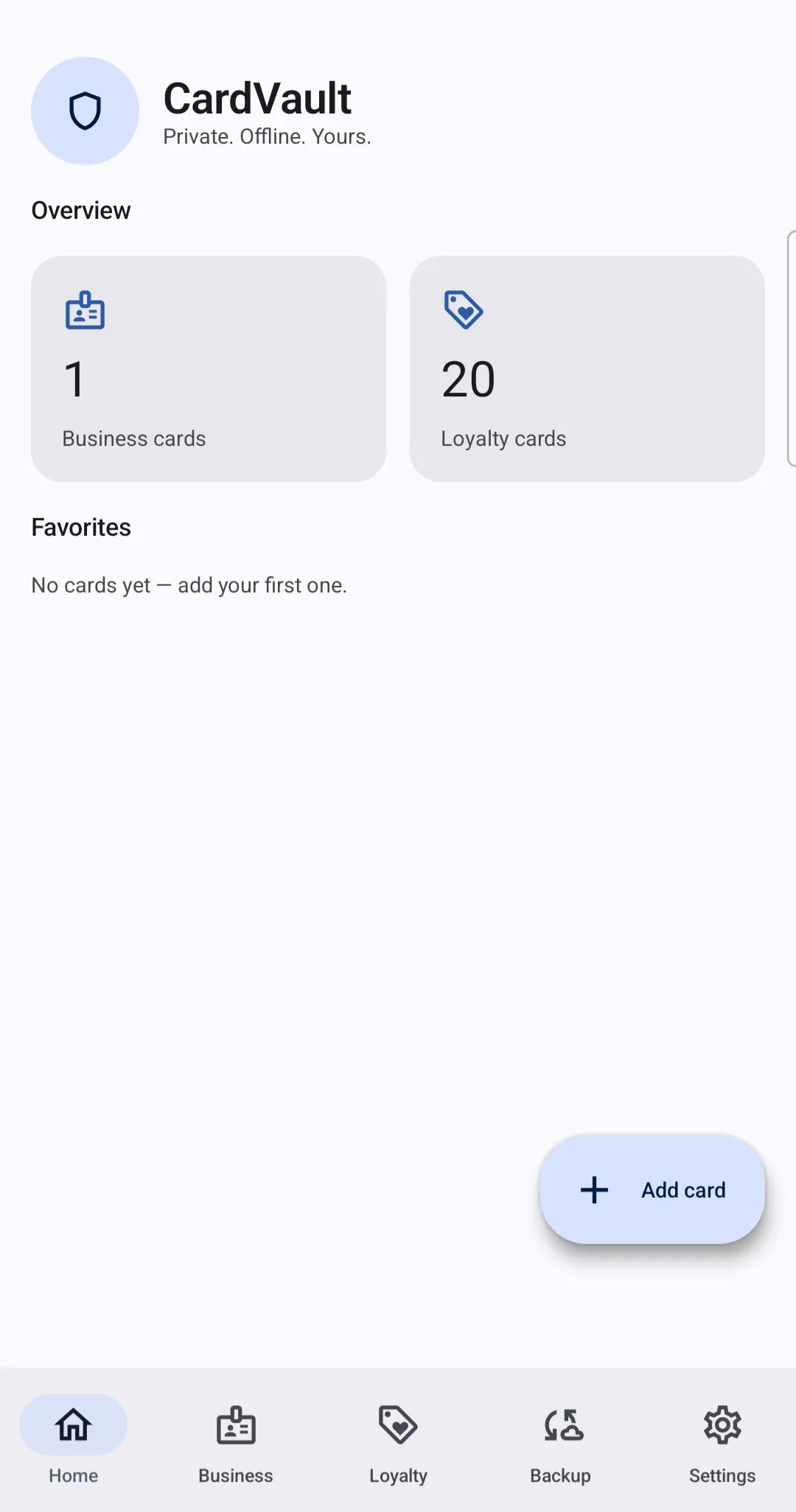
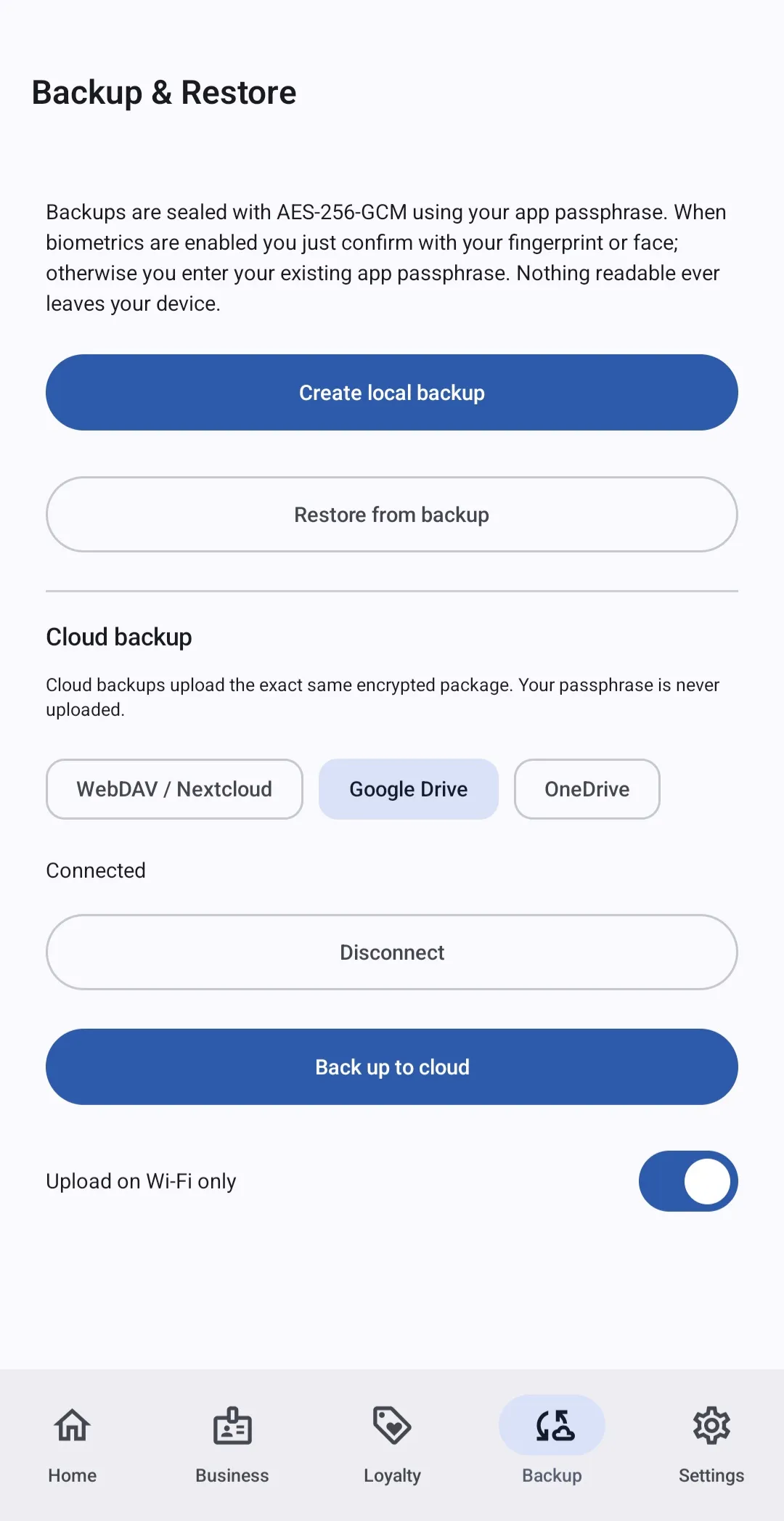
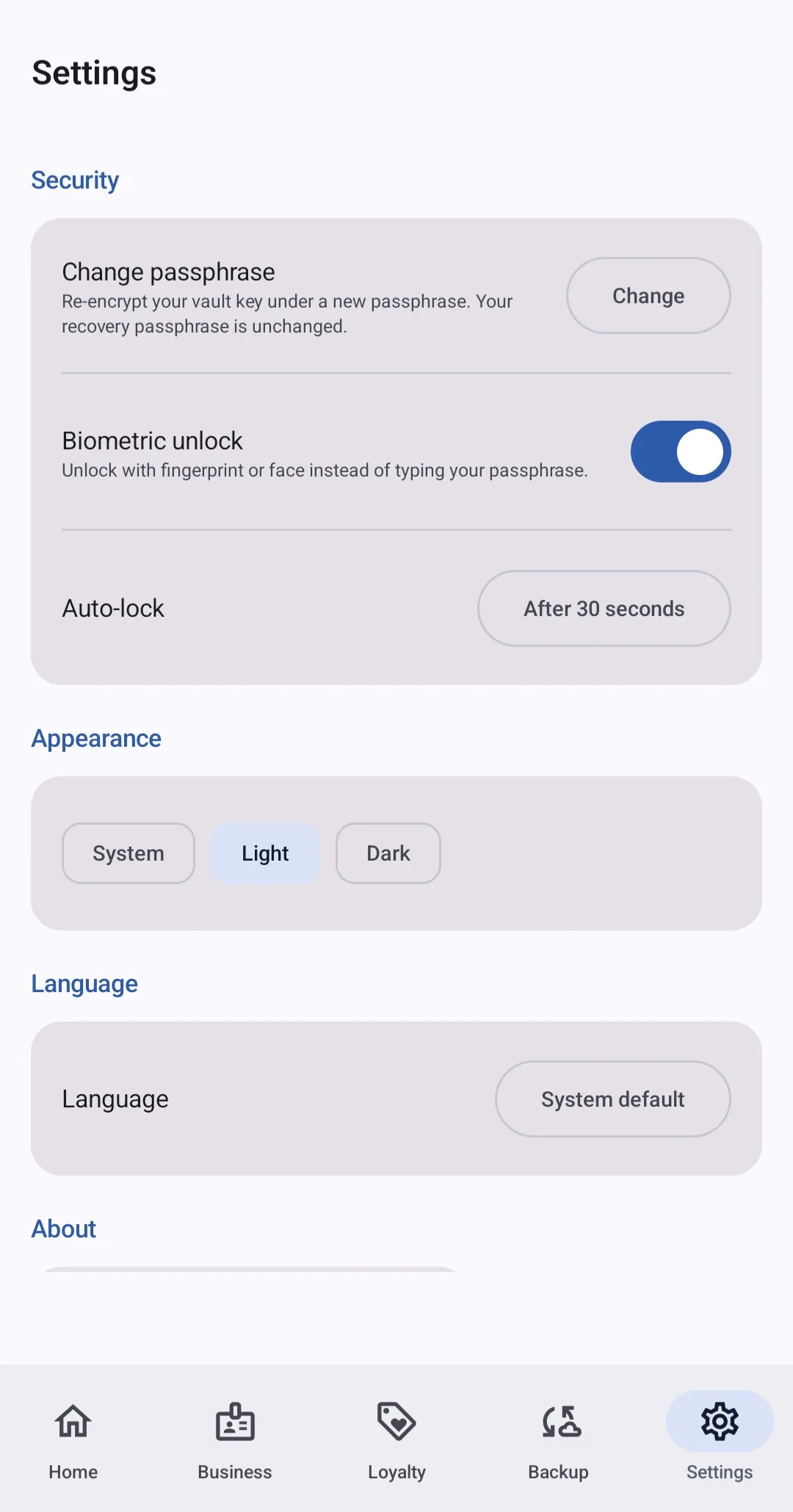
Real screens from CardVault, shown in light mode.
Every capability below is documented in the CardVault repository.
A privacy-first, OneNote-style space organised as notebooks, sections, pages and mixed-content blocks — sitting alongside your business and loyalty cards.
Manage business cards and loyalty cards side by side, switchable per record.
Scan with the camera — edge detection, perspective correction, crop and enhancement — or enter details manually.
ML Kit text recognition extracts names, company, title, email, phone, website, address and free text — entirely on your device.
Decode QR, EAN-13/8, Code 128/39, UPC-A/E, PDF417, Data Matrix and Aztec codes locally, and regenerate them on screen at the till.
Case-insensitive, partial-match search across the relevant fields, running entirely on your device.
AES-256-GCM with passphrase-derived keys (Argon2id), an Android Keystore-wrapped database key and a SQLCipher-encrypted database.
Unlock with fingerprint or face, with your passphrase kept as the recovery mechanism and a configurable auto-lock.
Local archive or optional Google Drive, OneDrive and WebDAV/Nextcloud backup — ciphertext only, validated by checksum on restore.
Alongside your cards, CardVault now includes a privacy-first notebook — a OneNote-style experience organised as notebooks, sections, pages and mixed-content blocks, all encrypted on your device just like your cards.
Create and select notebooks, then build each page from content blocks added in any order. Mix text with media freely, and load, download a decrypted copy of, or remove any item on a page.
Photos, video and audio are captured, viewed and played back entirely inside CardVault. Your camera, microphone and media are never handed to a third-party camera, gallery or player app. Embedded documents open in an external viewer: CardVault decrypts only a temporary copy into an app-private cache and wipes it when you lock or leave the app.
Content blocks you can add to a page:
CardVault follows Clean Architecture with MVVM in the presentation layer and the Repository pattern for data access, wired together with Hilt dependency injection across a multi-module Gradle project.
CardVault has no backend servers, no user accounts and no operator who can access your content. Card metadata, images and barcode values are stored only on your device, encrypted with keys derived from your passphrase.
Capture, OCR, barcode decoding, search and encryption all run locally. You can use CardVault indefinitely without ever enabling cloud backup.
The only network activity is an optional, user-initiated encrypted backup to Google Drive, OneDrive or WebDAV/Nextcloud — and only ciphertext is ever uploaded.
CardVault is designed so the developer and provider can never read your data.
A symmetric key is derived from your passphrase with Argon2id (PBKDF2-HMAC-SHA256 fallback) and held only in memory for the session.
The database is SQLCipher-encrypted; images and backups use AES-256-GCM authenticated encryption. The database key is wrapped by the hardware-backed Android Keystore.
Unlock with fingerprint or face, with your passphrase as the recovery mechanism and a one-time recovery passphrase so you’re never locked out.
Keep the cards you carry digital and searchable without handing your contacts and habits to an advertising network.
A clear, documented threat model and zero-knowledge design that you can audit against your own requirements.
Capture business cards on the spot, extract the details on-device, and find anyone again with fast local search.
Replace a wallet full of plastic loyalty cards and show a scannable barcode or QR code on screen when you check out.
Keep notes, photos, recordings and documents together in an encrypted notebook, captured and played back entirely inside the app.
Only on your device, in an encrypted SQLCipher database with images and backups sealed using AES-256-GCM. CardVault has no backend servers and no user accounts.
During setup CardVault generates a one-time recovery passphrase and shows it once. Store it safely offline. Without your passphrase or recovery passphrase, your data cannot be decrypted — by design.
Backups are encrypted on your device before any upload. Cloud providers (Google Drive, OneDrive, WebDAV/Nextcloud) only ever receive ciphertext; your passphrase never leaves the device.
QR, EAN-13/8, Code 128/39, UPC-A/E, PDF417, Data Matrix and Aztec. Decoding uses on-device ML Kit; regeneration on screen uses the ZXing library locally.
A OneNote-style space that sits alongside your cards, organised as notebooks, sections, pages and mixed-content blocks. Each page can combine text notes, photos and video captured in-app, imported images, in-app audio recordings and embedded documents such as PDFs. You can load, export a decrypted copy of, or remove any item, and permanently delete a whole notebook after a clear confirmation.
Yes. Notebook content is encrypted at rest with the same keys as your cards and is included automatically in your encrypted backups. Photos, video and audio are captured and played back entirely inside CardVault — your camera, microphone and media are never handed to a third-party camera, gallery or player app.
Camera, only when you choose to scan a card or capture a notebook photo or video; Microphone, only for in-app notebook audio and video recording on your device; and network access only for an optional cloud backup you explicitly start.
English first, with structure for Italian, French, German and Spanish. CardVault targets Android 10 (API 29) and newer.
CardVault shows what privacy-first, offline-first software looks like in practice.